Spend in any currency
Whether you buy coffee in euros, lunch in pounds or book a hotel in dollars, Okane converts everything at current rates, so the total you see is what you actually have.
Okane means “money” in Japanese,
and this app helps you handle yours
a little better. You don’t need an account
or a bank login, and there are no ads.
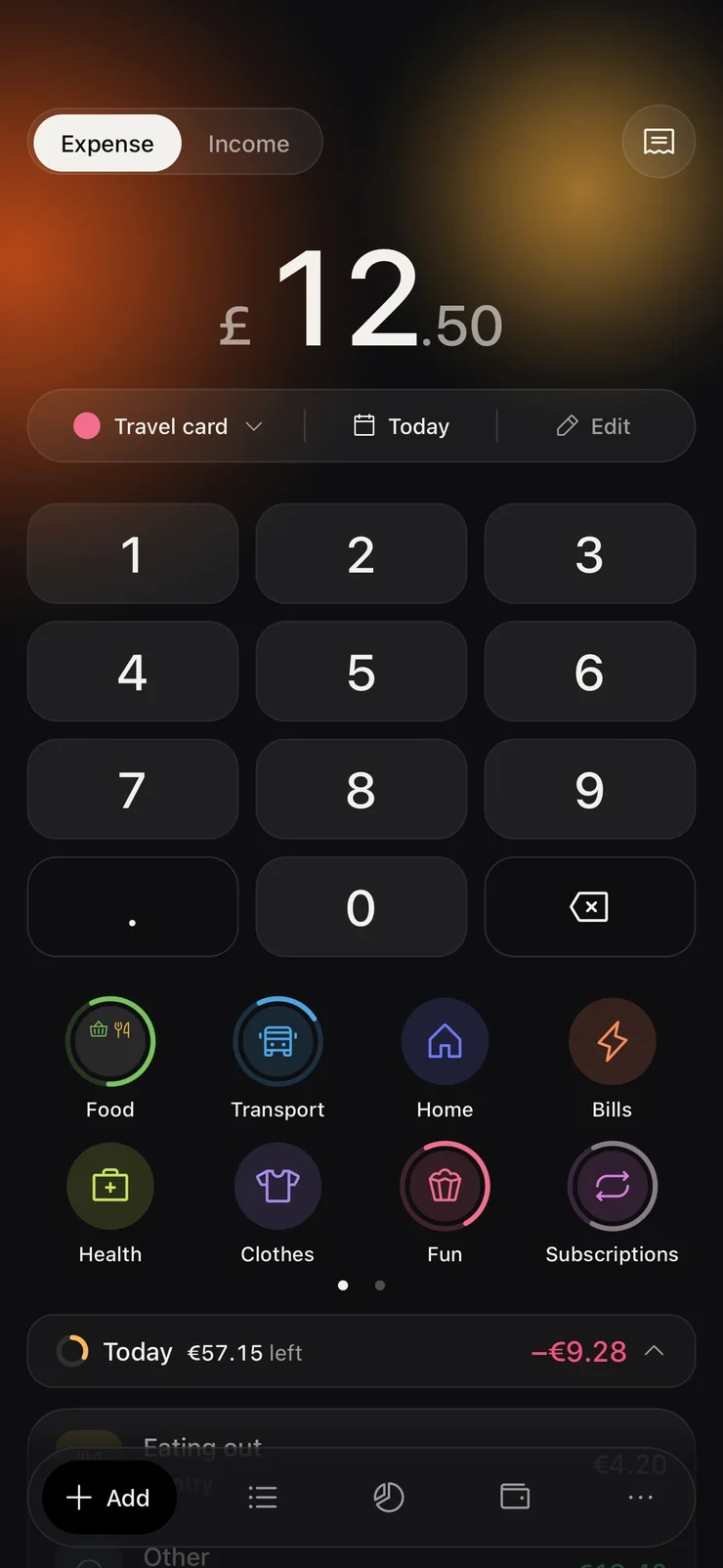
Whether you buy coffee in euros, lunch in pounds or book a hotel in dollars, Okane converts everything at current rates, so the total you see is what you actually have.
Okane keeps track of everything you spend, so you always know where
your money went. Set a budget, and the app will tell you
how much you can spend each day.

A lot of your spending can get into Okane without you typing anything.
If you pay with Apple Pay, the purchase can be added automatically.
You can also set up regular payments like rent or subscriptions, or mark an existing one as recurring, and Okane will add it every time it’s due.
When you have a paper receipt, just take a photo: Okane reads it right on your iPhone, and all that’s left is to check the numbers and save.
Plenty of widgets to choose from: a large one with a number pad for quick entries, and smaller ones that show your budget, your account balances or how this month compares to the last


Prices may vary by region
Almost everything in Okane is free, forever. Okane Plus is for when you want more: unlimited accounts, widgets and budgets by category. You can pay monthly, yearly or just once.
No. There’s no account to create, and your entries stay on your device unless you choose to back them up to iCloud.
Any currency. Whether you buy coffee in euros, lunch in pounds or book a hotel in dollars, Okane converts everything at current rates, so the total you see is what you actually have.
When you have a paper receipt, just take a photo: Okane reads it right on your iPhone, and all that’s left is to check the numbers and save.
If you pay with Apple Pay, the purchase can be added automatically.
Yes. An Apple Watch app where you can add expenses and income, look through your history and check your accounts.
You can export everything to CSV whenever you like.